
The template
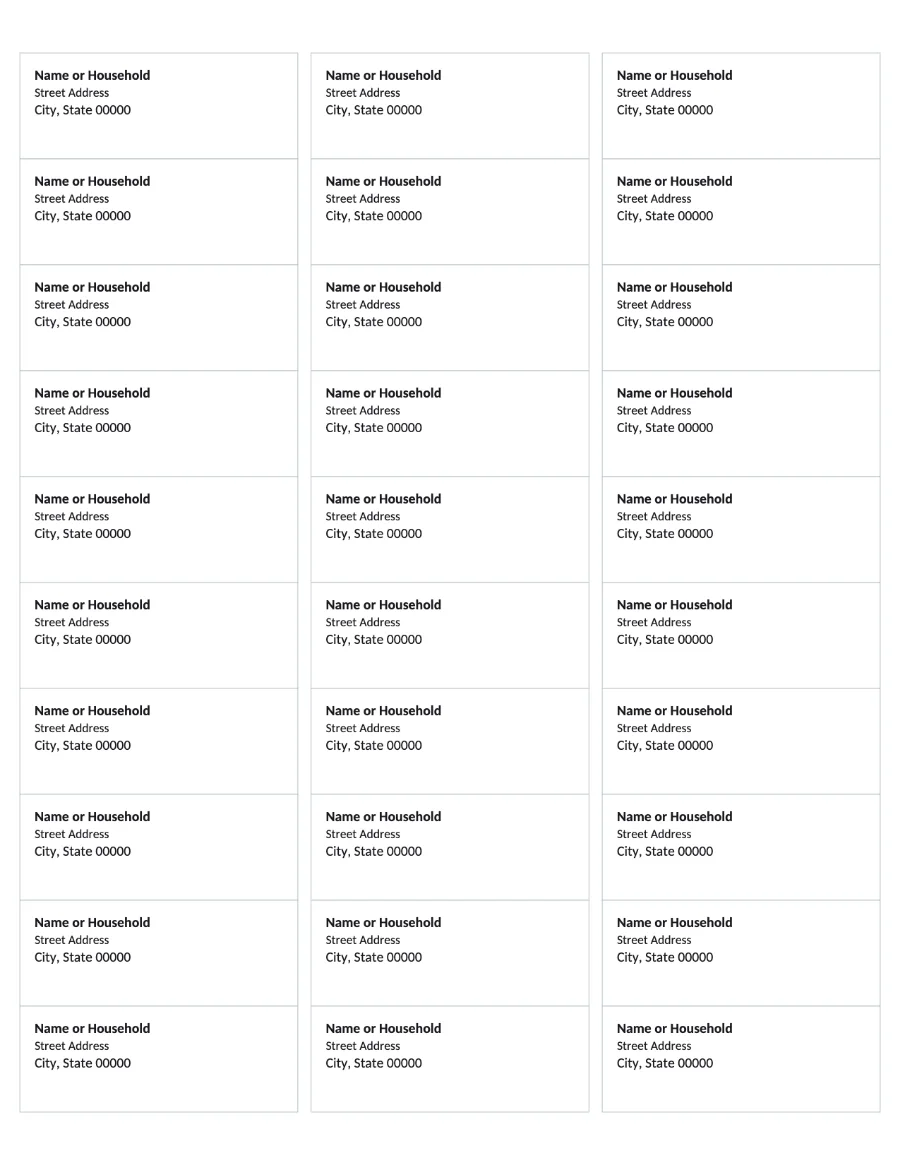
Thirty editable cells in three columns of ten, each 1 by 2 5/8 inches with the standard 0.5 inch top margin and 0.1875 inch side margins. Each cell holds a three-line placeholder (name, street, city) that you replace by clicking into it. As a free label maker it needs no install and no account: open the app, fill the cells, export.
Fill and print
- Open the app and click the Avery 5160 Labels card.
- Click into a cell and type the address. Repeat, or copy a finished cell and paste it into the others.
- File, Export PDF.
- Open the PDF and print with Actual size (100 percent) selected. Print one copy on plain paper first and hold it against a label sheet in front of a window.
Return address labels, name tags, jar labels
The same sheet works for anything 1 by 2 5/8 inches: return addresses (type the same address into every cell), name tags for an event, pantry or jar labels. Pictures are separate page objects: insert one, size it to fit the label, then duplicate and position it over each label.
You already have a label file in Publisher
Open the .pub file in stillPUB. The label layout, text and any pictures come across, and the page stays the right size. Save it as .stillpub and it is your label master from then on, without Publisher. The conversion report will tell you if anything in the file did not come across.
Other Avery sizes
Only 5160 ships as a template today. For another size, start from the Blank Page template, set the page to Letter, and draw text boxes at the label dimensions printed on the Avery packaging; snapping and the rulers make lining them up quick. If a specific size matters to you, say so through parallaxintelligence.ai and it goes on the list.