
The template
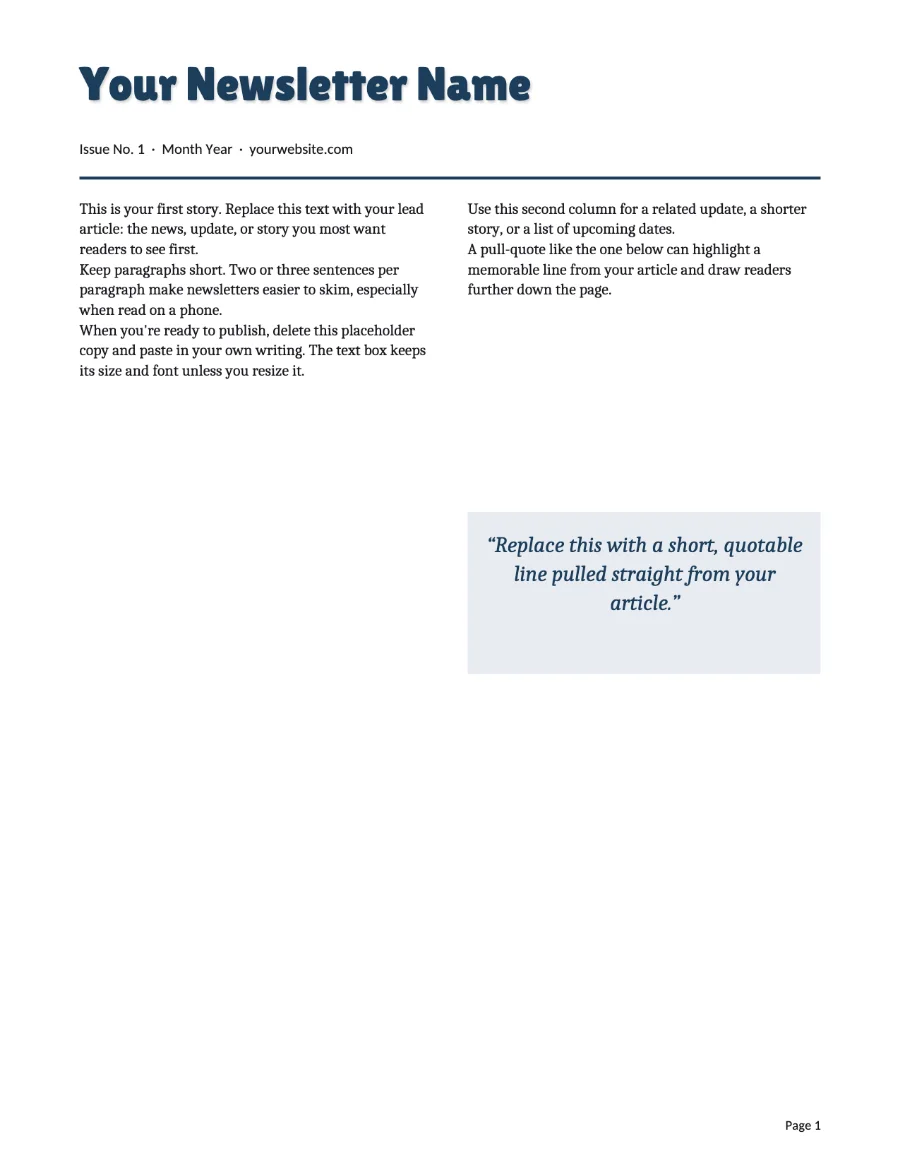
Two US Letter pages: a masthead with the issue date, a lead story across two columns, a pull-quote, and a second page of shorter items. Everything is a text box or a picture you can retype, move or replace. Add pages as the issue grows.
- Open the app and click Newsletter.
- Retype the masthead and stories. Drop in photos with Insert, Add image.
- Save as .stillpub so next month starts from this month.
- File, Export PDF for email and print, or Export page images for the website.
Schools
The classroom or PTA newsletter is the classic Publisher document, usually inherited from whoever had the job before. If that inheritance is a .pub file, open it in stillPUB and keep it; the masthead, the columns and the clip art come across. If the school is standardising on Google or Microsoft 365, export a JPG of each page for the class page and a PDF for the email, both from the File tab.
Clubs, HOAs and small offices
The routine is the same. One .stillpub master in the shared drive, opened at stillpub.com/app by whoever is on duty, no license to keep track of. A newsletter with members' names and addresses stays on the computer that made it: the app uploads nothing.
Starting from Word
If the newsletter is currently a Word document with pictures fighting the text, open the .docx in stillPUB. It becomes pages of text boxes and pictures you can arrange by hand, and exports as images or PDF. Details on Word to JPG.